
External webcam vs laptop camera for video calls
External webcam vs laptop camera for video calls: a webcam can sit at eye level and often looks sharper, but light matters more. Here is how to choose.
Samir Ouali4 min read
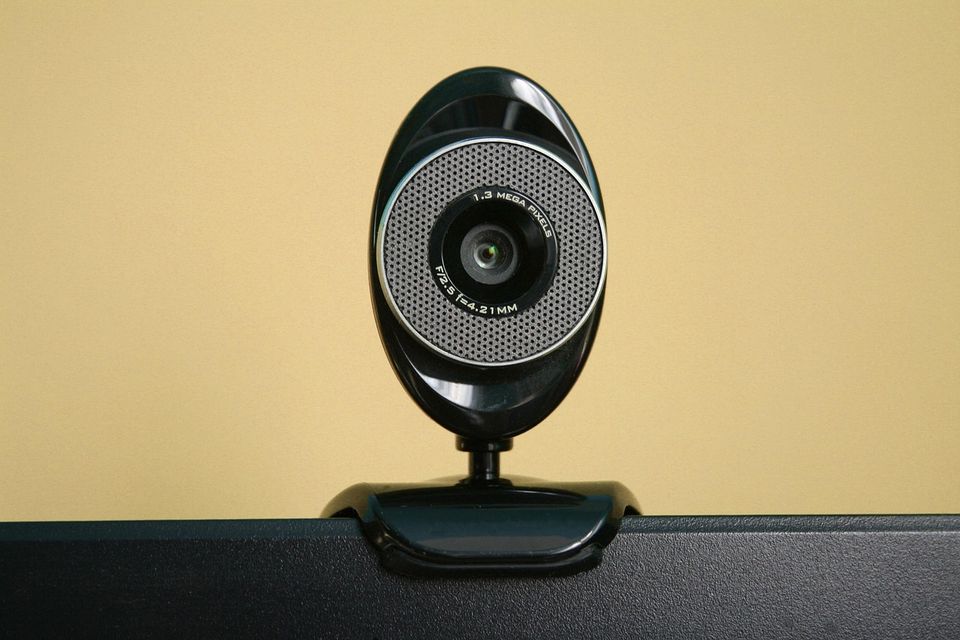
Verdict: light and height beat the camera itself. Fix those first, then buy a webcam only if the picture is still poor or the laptop cannot be raised. A cheap webcam in a dark room looks worse than a built-in camera by a window.
Which wins on
| What matters on calls | External webcam | Laptop camera |
|---|---|---|
| Picture in good light | Often sharper | Fine on newer laptops |
| Picture in poor light | Better sensor helps a bit | Grainy |
| Camera height | Can sit at eye level | Often looks up your nose |
| Set-up | One more cable | Nothing |
| Travel | Another thing to carry | Always there |
| Cost | A small extra | Free |
Fix these before you buy
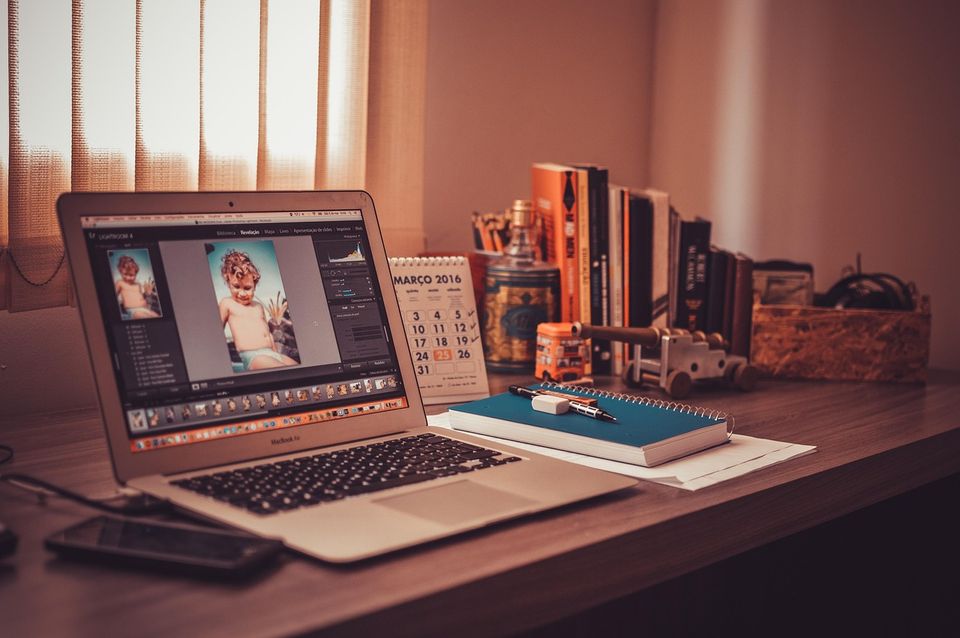
- Light. Face a window, or put a lamp in front of you. Light behind you turns you into a shadow.
- Height. Raise the camera so it sits at eye level. A stack of books or a laptop stand works.
- Distance. Sit about an arm's length from the screen.
- Clean the lens. A fingerprint blurs everything.
If you did those four and the picture still looks soft, then a webcam might help.
Pick an external webcam if
- Your laptop is several years old and the picture looks soft.
- Your laptop is on a stand or you use a second screen, so the built-in camera is out of reach.
- You want to place the camera at eye level on the monitor.
- You do many calls each day and want a better look.
Stick with the laptop camera if
- Your calls are short and informal.
- Your laptop is newer and the picture is fine in good light.
- You work from different places and want to carry less.
- You use the laptop in clamshell mode rarely.
The rule that matters most
Put the camera at eye level before you spend a penny. If you look down at the screen, the built-in camera looks up your chin. Raising it fixes that for free, and it also helps your neck. If your monitor is too low, see fix your home desk in this order.
Common mistakes
- Buying a 4K webcam and using it in a dim room.
- Clipping a webcam to the side of a monitor, so you look off-screen on every call.
- Leaving the autofocus unchecked. Some webcams hunt for focus when you move.
- Forgetting the privacy cover. Slide it shut when you are not on a call.
A worked example
Say you have three video calls a day, 30 minutes each. These are round numbers. That is about 90 minutes of other people looking at you each day. If you sit with a window behind you and a low laptop, you will look dark and tilted. Spend five minutes moving your desk to face the window and raise the laptop on books. The picture will usually improve more than from a new camera.
When the built-in camera is the problem
Some laptops have a low-resolution camera that cannot be fixed with light. If your picture is grainy even in a bright room, then a webcam is a fair buy. Choose one that clips on a monitor or sits on a small tripod. If you use a laptop screen as well, put the webcam above the screen you look at most.
End of shift
- First to go: the clip, then the cable at the bend.
- Check on Friday: the lens for smudges and the privacy cover.
- Do tonight: unplug, or close the shutter.
Quick questions
Is an external webcam better than a laptop camera?
Often, yes, but light and height matter more. A good setup with a laptop camera can beat a bad setup with a webcam.
Do I need 4K for work calls?
No. Most calls compress video, so 1080p is plenty.
Where should I put the camera?
At eye level, slightly above if possible, about an arm's length away.
Do I need a ring light?
Not always. A window or a lamp in front of you often works. A small light helps when the room is dim.
More to read
Keep reading

Do you need a footrest at your desk? A quick test
Do you need a footrest at your desk? Yes if your feet do not rest flat on the floor. A quick test and a free fix using a box or a stack of books.
Margaux Dupont3 min read

Fix your home desk in this order
Most home desks fail at the chair, screen height and keyboard position. Here is the order to fix them in, with checks that cost nothing.
Margaux Dupont4 min read
Laptop stand vs monitor arm: which fixes your screen height
Laptop stand vs monitor arm: both raise your screen to eye level, but they suit different desks. Here is how to pick without buying twice.
Margaux Dupont4 min read
Office chair vs gaming chair for working from home
Office chair vs gaming chair for working from home: adjustability matters more than looks. Here is how to choose for an eight-hour day at a desk.
Margaux Dupont4 min read

How high should your monitor be? A quick check
How high should your monitor be? The top of the screen should sit at or just below eye level, about an arm's length away. Here is a quick check.
Margaux Dupont2 min read
Is a standing desk worth it for working from home
Is a standing desk worth it? It helps if you will actually switch between sitting and standing. Here is a plain way to decide, and what to try for free first.
Samir Ouali5 min read