
Laptop stand vs monitor arm: which fixes your screen height
Laptop stand vs monitor arm: both raise your screen to eye level, but they suit different desks. Here is how to pick without buying twice.
Margaux Dupont4 min read
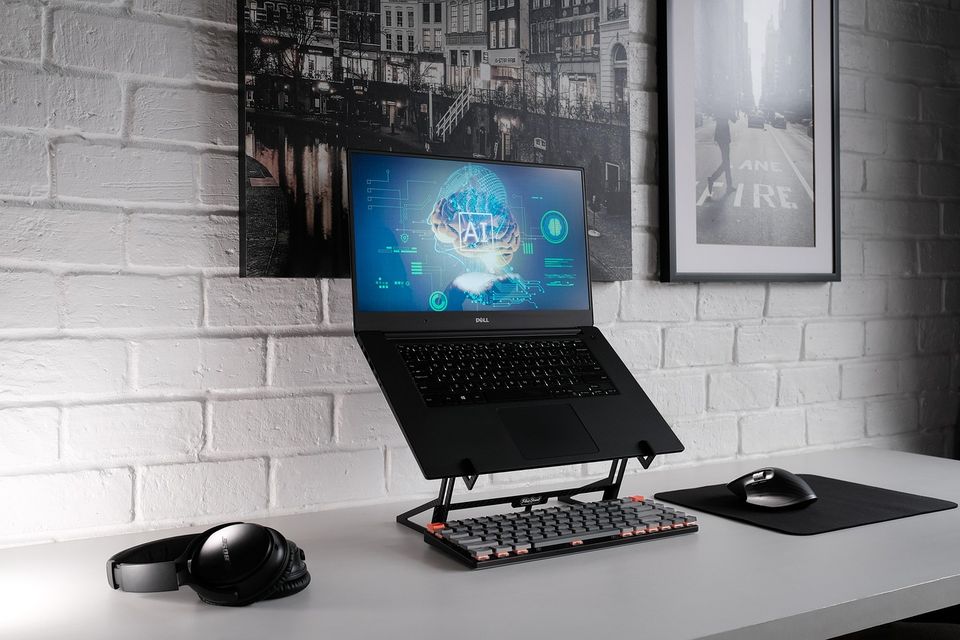
Verdict: a laptop stand if you only have a laptop. A monitor arm if you have a separate screen. Both do the same job: bring the top of the screen to eye level. The choice is about your desk.
If your neck aches by mid-afternoon, screen height is the cheapest fix in the desk order we recommend. A stack of books can do it for free while you decide.
Which wins on
| At a home desk | Laptop stand | Monitor arm |
|---|---|---|
| Works with | One laptop | A separate monitor |
| Clears desk space | A little | A lot |
| Setup | Put it down | Clamp or bolt on |
| Desk fit | Any flat desk | Needs a solid desk edge |
| Move between spots | Easy, fold flat | Fixed |
| Extra gear needed | Keyboard and mouse | None if you have a monitor |
| What fails first | Rubber feet or hinge | Joint tension slowly drops |
Pick a laptop stand if
- You work on a laptop alone, and you move between a desk and a table.
- You rent and cannot clamp things to a desk.
- You want something you can put in a bag.
Pick a monitor arm if
- You already have a screen on a fixed stand that is too low.
- Your desk is small and the stand eats space.
- You want to swing the screen toward you or away to share it.
The part people forget
Raise a laptop and the keyboard rises with it. Now your hands are too high. That means a separate keyboard and mouse are not an extra. They are part of the setup. Budget for the full set or the stand will make things worse.
A worked example
Say your desk is 74 cm tall (about 29 inches) and your eyes sit about 120 cm from the floor when you sit upright. These numbers are round and made up for this example. Your laptop screen top, on the desk, may sit well below eye level. A stand brings it up by the difference. Measure yours, because chairs and bodies differ.
Rule: top of the screen at eye level, an arm's length away.
Where the answer flips
If you use two screens, a double arm or two arms win. If your desk is thin or glass, an arm may not clamp safely. Check the maker's desk thickness limit. If you move around the house, a folding stand is easier to carry than an arm.
Common mistakes
- Raising the laptop and keeping the laptop keyboard. Your hands end up high and your shoulders hunch.
- Setting the screen too far back. An arm's length is a rule of thumb. If you squint, move it closer.
- Clamping an arm to a weak desk. Check the desk thickness and strength first.
- Buying a stand with a lip that blocks the vents. Laptops need air.
The same logic runs through the rest of the desk: feet, chair, then screen. Our short note on whether you need a footrest covers the first step.
Price tiers in plain words
A basic stand ($) is a folding piece of metal or plastic and is enough for most. A sturdier stand or a single arm ($$) adds adjustment and stability. A heavy-duty arm ($$$) suits big screens. Match the tier to the weight of what you are lifting.
End of shift
- First to go: stand rubber feet, arm joint grip.
- Friday check: is the screen sinking? Tighten the arm joint.
- Look: at the top of the screen when you sit up straight. It should be level with your eyes.
Quick questions
Do I need a monitor arm if I have a stand already?
No. Pick one. A second fix for the same problem is wasted money.
Can I use books instead?
Yes, for a while. Stack them so they cannot slide.
What if my neck still hurts?
See a clinician if pain is sharp, spreads down an arm or causes numbness. Gear will not diagnose it.
More to read
Keep reading

Do you need a footrest at your desk? A quick test
Do you need a footrest at your desk? Yes if your feet do not rest flat on the floor. A quick test and a free fix using a box or a stack of books.
Margaux Dupont3 min read

Fix your home desk in this order
Most home desks fail at the chair, screen height and keyboard position. Here is the order to fix them in, with checks that cost nothing.
Margaux Dupont4 min read
Office chair vs gaming chair for working from home
Office chair vs gaming chair for working from home: adjustability matters more than looks. Here is how to choose for an eight-hour day at a desk.
Margaux Dupont4 min read
How high should your monitor be? A quick check
How high should your monitor be? The top of the screen should sit at or just below eye level, about an arm's length away. Here is a quick check.
Margaux Dupont2 min read
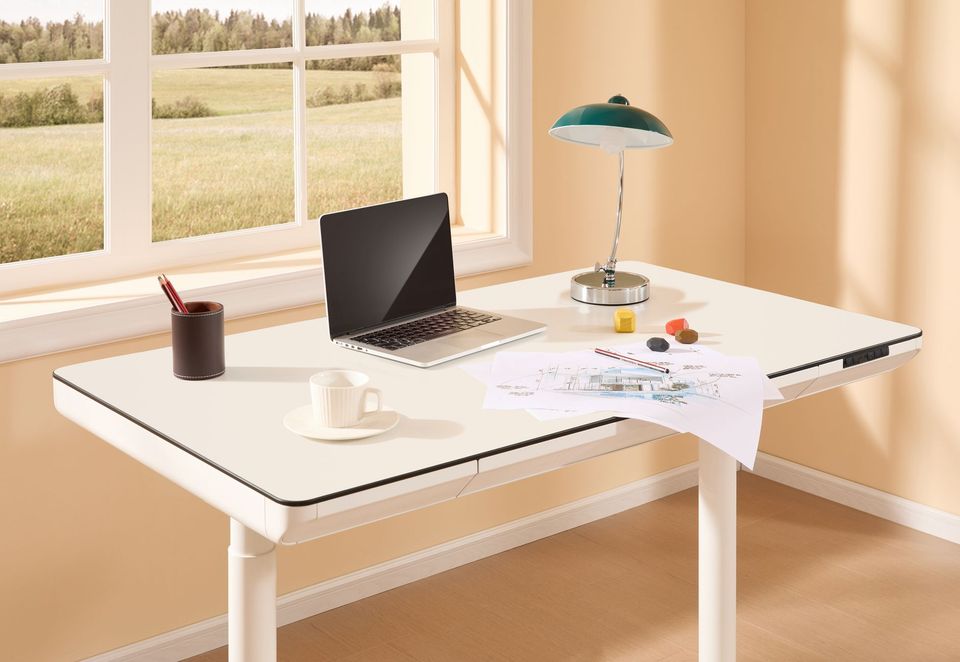
Is a standing desk worth it for working from home
Is a standing desk worth it? It helps if you will actually switch between sitting and standing. Here is a plain way to decide, and what to try for free first.
Samir Ouali5 min read
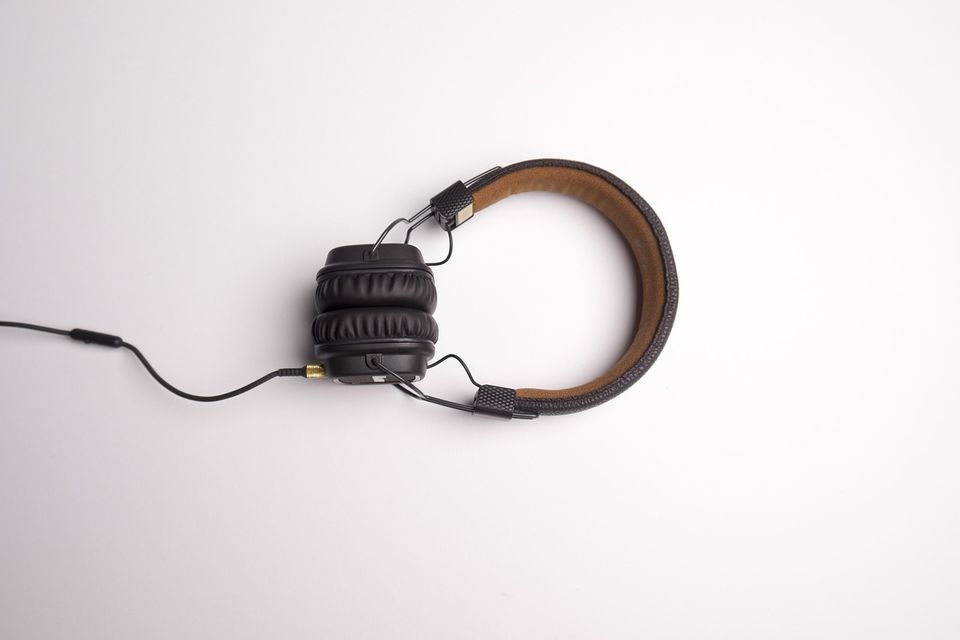
Noise cancelling headphones vs earbuds for a home office
Noise cancelling headphones vs earbuds for a home office: comfort over eight hours, mic quality and who is in the house decide it. Here is how to pick.
Margaux Dupont4 min read