
How high should your monitor be? A quick check
How high should your monitor be? The top of the screen should sit at or just below eye level, about an arm's length away. Here is a quick check.
Margaux Dupont2 min read
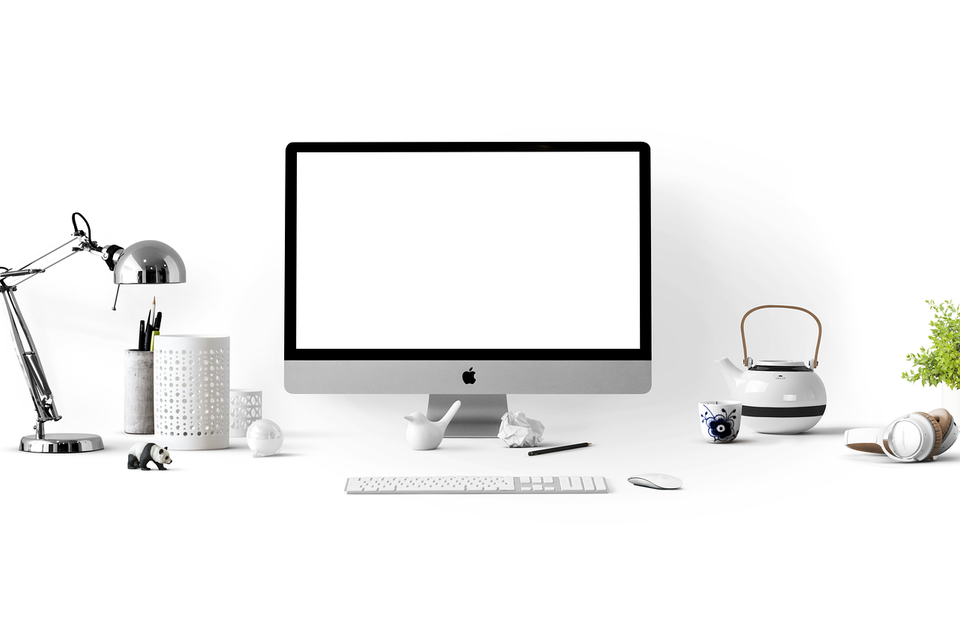
How high should your monitor be? The top edge of the screen should sit at or just below your eye level, about an arm's length away. That lets your neck stay neutral instead of bending down.
The quick check
- Sit back in your chair with your feet flat.
- Look straight ahead without tilting your head.
- Your eyes should land near the top third of the screen.
- Reach out with an arm. Your fingertips should just touch the screen.
If you need to look down to read the top line, the screen is too low.
Why it matters
A screen that is too low makes you drop your head. Over a day, that can leave your neck and shoulders tired. Raising the screen is one of the cheapest fixes at a desk, and you may notice a change in a day or two. For the full order of fixes, read fix your home desk in this order.
How to raise it
- A stack of sturdy books costs nothing.
- A stand or riser works with any monitor.
- A monitor arm gives fine control. See laptop stand vs monitor arm for the choice.
One exception
If you wear bifocals or progressive lenses, you may need the screen a bit lower so you can read through the right part of the lens. Ask your eye care professional. If you have neck or eye pain that does not ease, see a doctor.
A quick fix with items you own
Most people can raise a monitor by 5 to 10 centimetres with a few books, a ream of paper or a sturdy box. Check that it does not wobble. If you use a laptop, add a separate keyboard so your arms stay low while the screen goes up. Stand back and look at it from the side. If it still looks low, add another book.
End of shift
- First to go: your posture, long before the stand moves.
- Check on Friday: whether your head drifts forward over the week.
- Do tonight: look away from the screen for a minute or two.
More to read
Keep reading

Do you need a footrest at your desk? A quick test
Do you need a footrest at your desk? Yes if your feet do not rest flat on the floor. A quick test and a free fix using a box or a stack of books.
Margaux Dupont3 min read

Fix your home desk in this order
Most home desks fail at the chair, screen height and keyboard position. Here is the order to fix them in, with checks that cost nothing.
Margaux Dupont4 min read
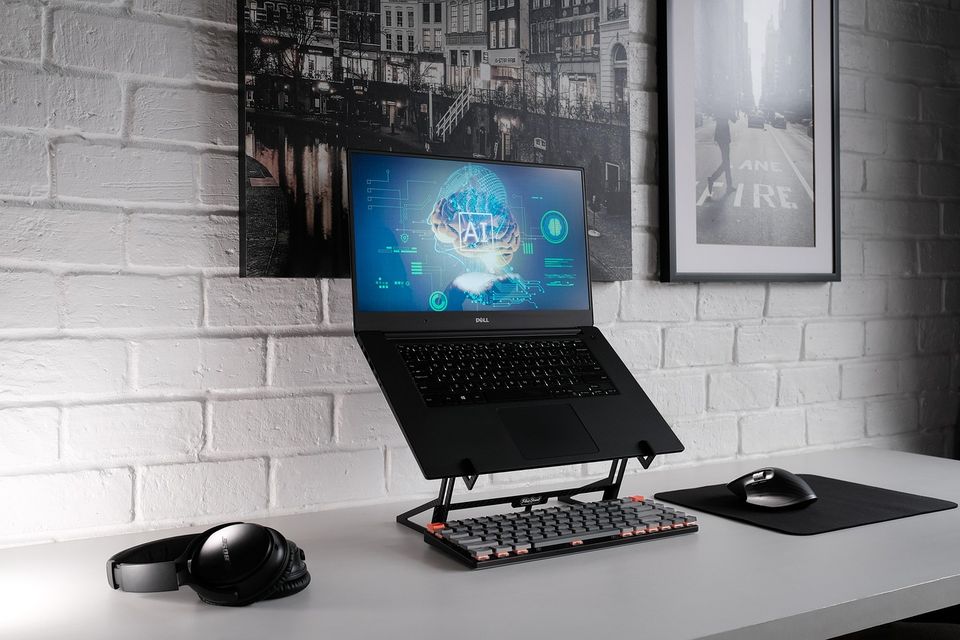
Laptop stand vs monitor arm: which fixes your screen height
Laptop stand vs monitor arm: both raise your screen to eye level, but they suit different desks. Here is how to pick without buying twice.
Margaux Dupont4 min read
Office chair vs gaming chair for working from home
Office chair vs gaming chair for working from home: adjustability matters more than looks. Here is how to choose for an eight-hour day at a desk.
Margaux Dupont4 min read
Is a standing desk worth it for working from home
Is a standing desk worth it? It helps if you will actually switch between sitting and standing. Here is a plain way to decide, and what to try for free first.
Samir Ouali5 min read
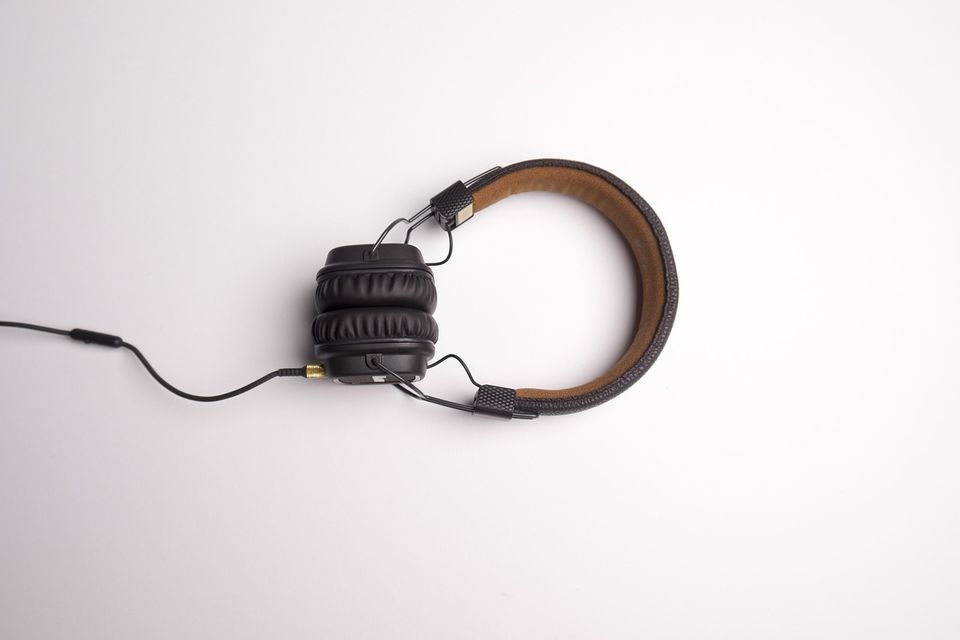
Noise cancelling headphones vs earbuds for a home office
Noise cancelling headphones vs earbuds for a home office: comfort over eight hours, mic quality and who is in the house decide it. Here is how to pick.
Margaux Dupont4 min read